> ## Documentation Index
> Fetch the complete documentation index at: https://docs.mobway.cloud/llms.txt
> Use this file to discover all available pages before exploring further.
# Introduction
> This page is the central hub for accessing information about the mobway product.
 ## Welcome to the mobway guide
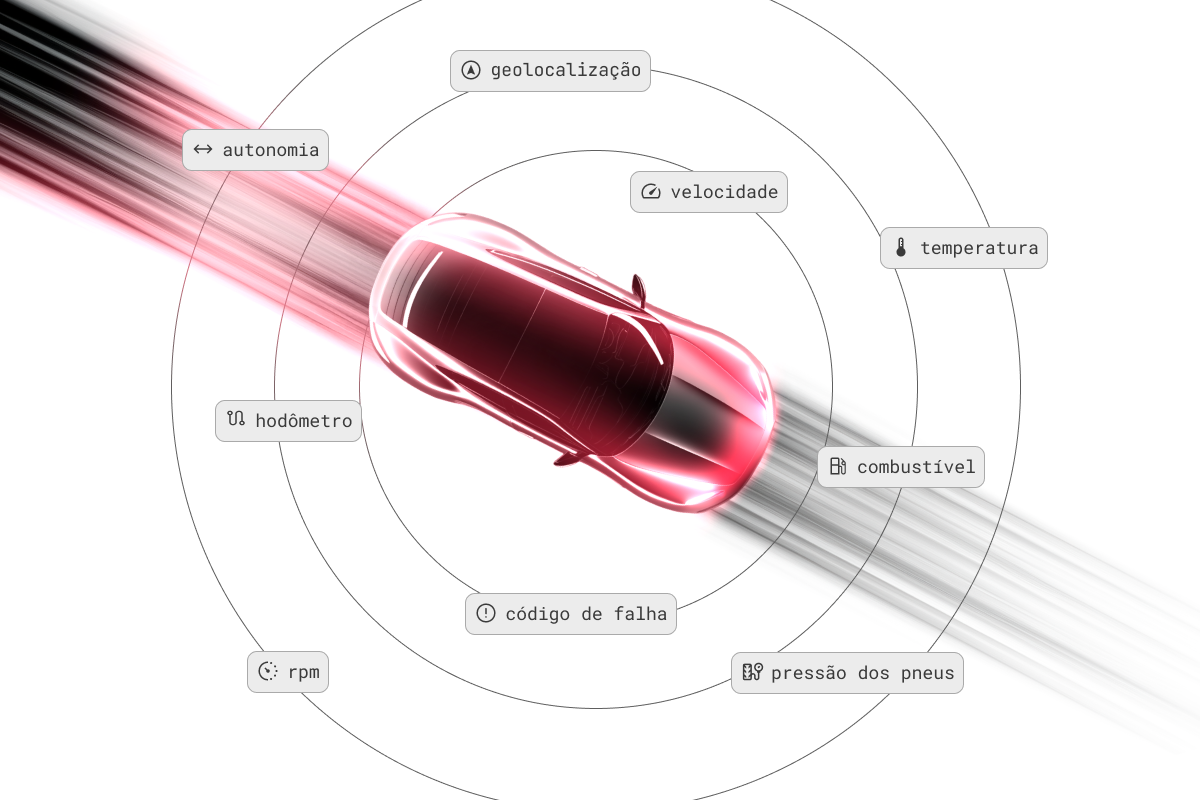
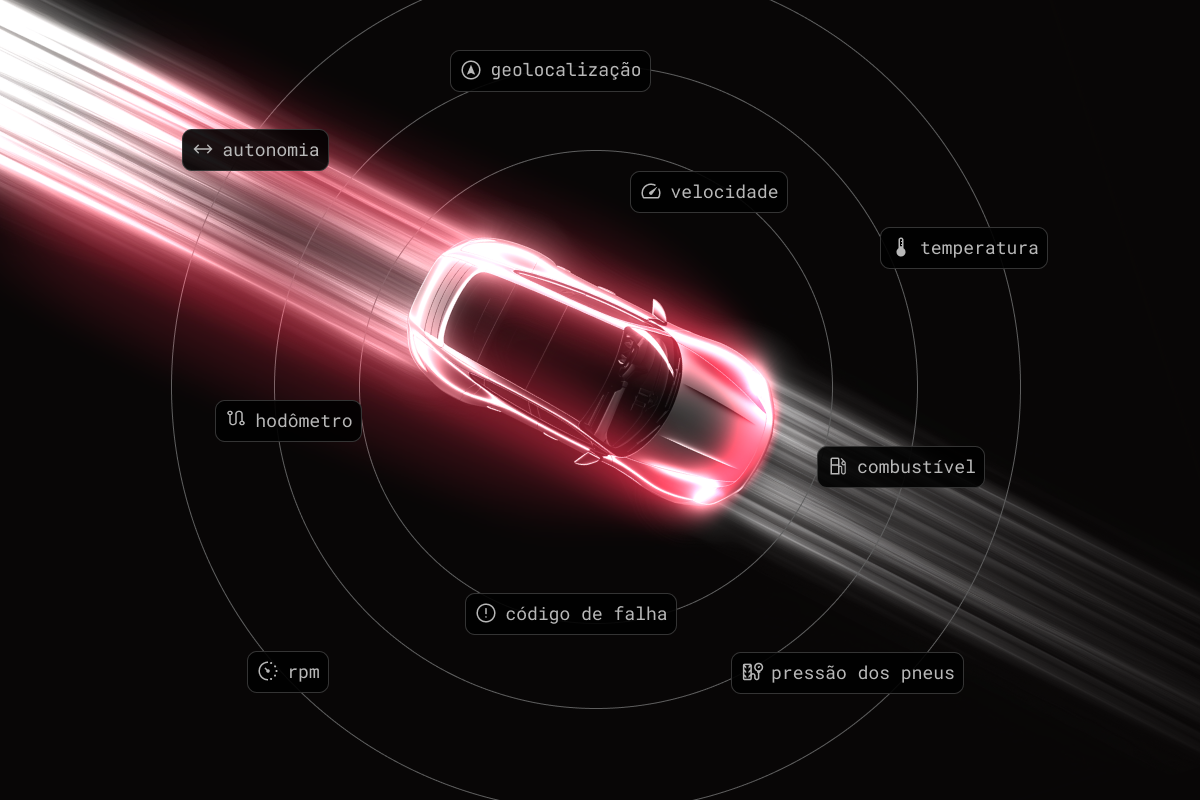
We are the vehicle intelligence engine at your service. Through a direct, certified integration with automakers, we enable you to obtain real-time data and intelligence from your connected vehicles using a privacy-by-design platform that ensures compliance and transparency.
### Getting Started
Through certified integrations with automakers, we collect, standardize, and clean the data generated by connected vehicles. This gives you access to all vehicle information in real time, without hardware, ready to connect entire fleets in minutes. To use our API, the vehicle must be connected. Learn more [here](/en/vehicle) about what a connected vehicle is and find out whether you already have a compatible model in your fleet.
Privacy and transparency are taken seriously at mobway. The owner can grant or revoke access to the vehicle's data at any time. You can find more details [here](/en/compliance).
To use the API, you need to have a registration associated with your company. Follow this step-by-step guide to get your first access and generate your [Client ID and Client Secret](/en/api-reference/key).
After registering your company and obtaining your credentials, you can start making authenticated requests to the mobway API. This involves including your application credentials in each API request.
With the Client ID and Client Secret generated, and with an authentication token, follow this [API usage guide](/en/api-reference/token) to learn more.
### FAQ
mobway is a vehicle data hub platform that allows you to connect to connected vehicles without installing external hardware.
The data currently available through mobway is described in [data](https://docs.mobway.cloud/en/data/general).
We do not currently offer SDKs or libraries. However, our API is designed to be easy for any client to use.
The frequency of data updates depends on several factors, including the data type, automaker, and vehicle model. For more detailed information, contact us by email at [info@mobway.cloud](mailto:info@mobway.cloud).
Check the current list of connected cars in Brazil [here](https://docs.mobway.cloud/en/compatible).
## Welcome to the mobway guide
We are the vehicle intelligence engine at your service. Through a direct, certified integration with automakers, we enable you to obtain real-time data and intelligence from your connected vehicles using a privacy-by-design platform that ensures compliance and transparency.
### Getting Started
Through certified integrations with automakers, we collect, standardize, and clean the data generated by connected vehicles. This gives you access to all vehicle information in real time, without hardware, ready to connect entire fleets in minutes. To use our API, the vehicle must be connected. Learn more [here](/en/vehicle) about what a connected vehicle is and find out whether you already have a compatible model in your fleet.
Privacy and transparency are taken seriously at mobway. The owner can grant or revoke access to the vehicle's data at any time. You can find more details [here](/en/compliance).
To use the API, you need to have a registration associated with your company. Follow this step-by-step guide to get your first access and generate your [Client ID and Client Secret](/en/api-reference/key).
After registering your company and obtaining your credentials, you can start making authenticated requests to the mobway API. This involves including your application credentials in each API request.
With the Client ID and Client Secret generated, and with an authentication token, follow this [API usage guide](/en/api-reference/token) to learn more.
### FAQ
mobway is a vehicle data hub platform that allows you to connect to connected vehicles without installing external hardware.
The data currently available through mobway is described in [data](https://docs.mobway.cloud/en/data/general).
We do not currently offer SDKs or libraries. However, our API is designed to be easy for any client to use.
The frequency of data updates depends on several factors, including the data type, automaker, and vehicle model. For more detailed information, contact us by email at [info@mobway.cloud](mailto:info@mobway.cloud).
Check the current list of connected cars in Brazil [here](https://docs.mobway.cloud/en/compatible).